100% Free
No accounts, no payments
Arabic + English
Full interface in both languages
Auto updates
New versions install themselves
What the app does for you
Five tools in one place — no tech experience needed.
App Store
Install popular programs with one click — browsers, players, office tools and more, always the safe official copy.
Cleaner
Remove junk files and free up disk space safely, without touching your personal files.
Battery Saver
Smart power plans that stretch your battery life when you're away from the charger.
One-Click Fixes
Repair common Windows problems — updates, network, sound and printer — with guided automatic fixes.
Direct Support
Stuck? Send your issue straight to Fix Zone technicians from inside the app.
Get started in 3 steps
From download to a cleaner laptop in minutes.
- 1
Download
Get the installer below — free, about 100 MB, straight from our official GitHub releases.
- 2
Install
Run the .exe, click Next a couple of times — done in under two minutes on Windows 10 or 11.
- 3
Care for your laptop
Open the app, pick what you need: install programs, clean, save battery, or fix an issue.
Take a look inside
Real screenshots are on the way — these previews show the layout.
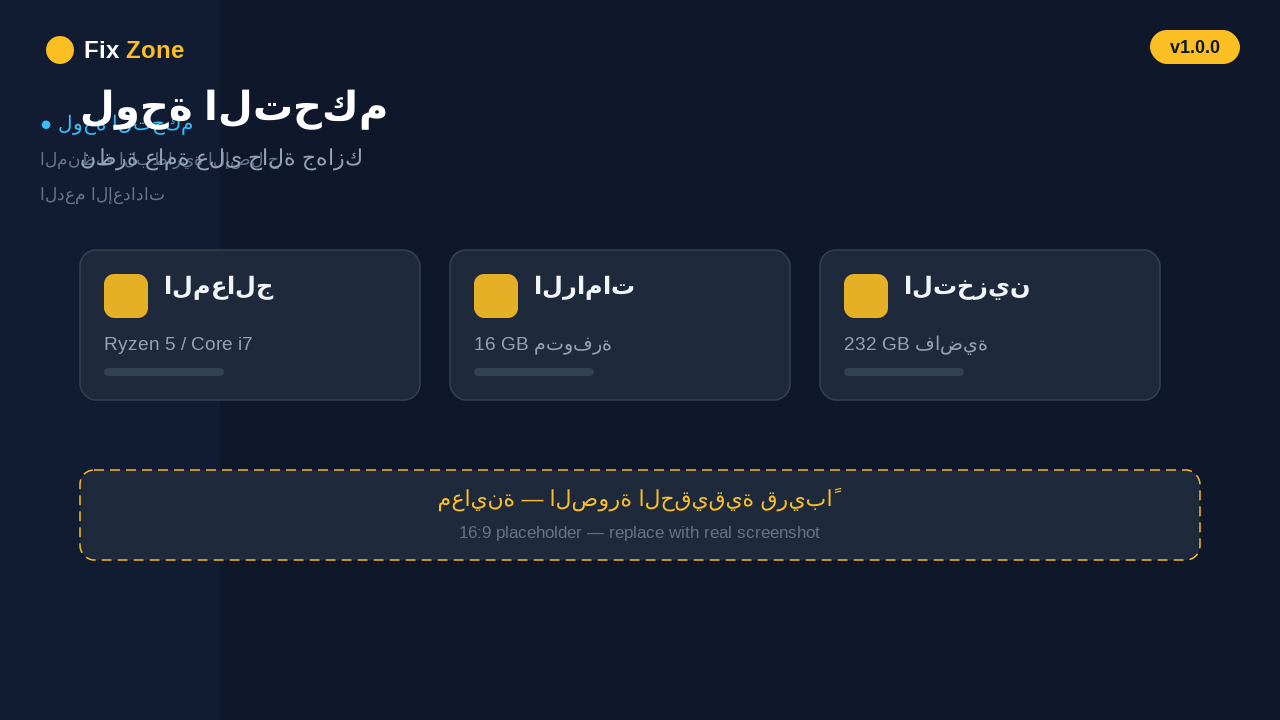
Preview — real screenshot coming soon
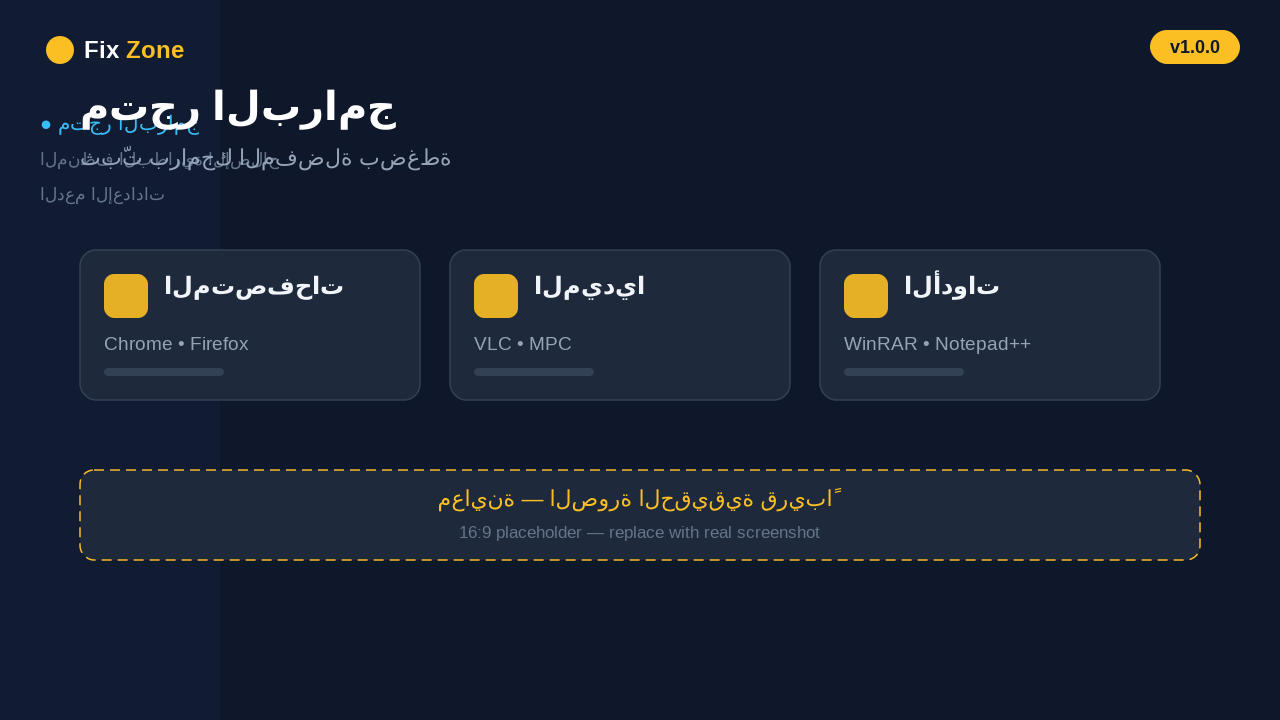
Preview — real screenshot coming soon
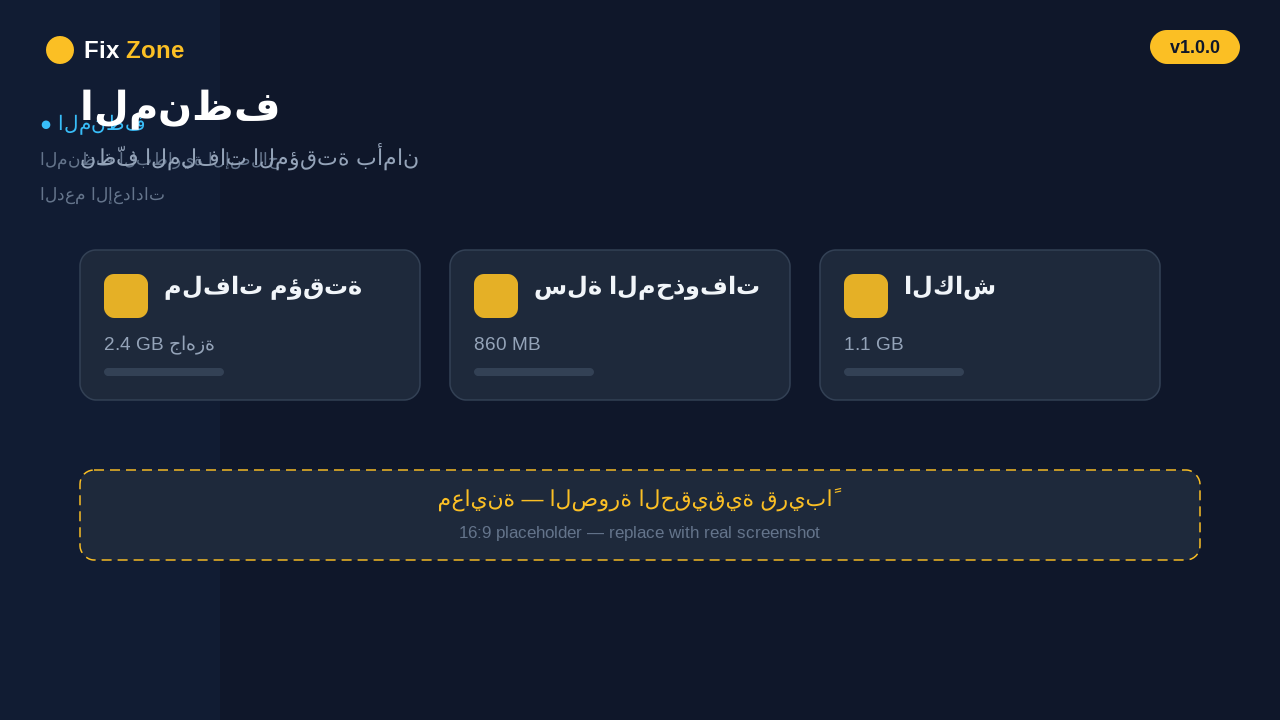
Preview — real screenshot coming soon
Before you download
- Windows 10 or Windows 11, 64-bit
- Internet connection (for downloads and updates)
- 300 MB of free disk space
No account needed. The app is free and stays free.
What's new
Every release, fresh from our official GitHub — the app updates itself automatically.
⚠ Live update feed is temporarily unavailable — showing the last verified version.
v1.1.0
LatestNovember 1, 2026
- New in v1.1.0: My Maintenance account area — sign in and manage your repairs from inside the app.
- Repairs Timeline now shows your real repair requests, pulled live from your Fix Zone account.
- Real account sign-in: the demo login is gone — the app now connects securely to your actual Fix Zone account.
- One-click installer for popular programs — browsers, media players and office tools.
- Junk cleaner that safely frees disk space without touching your personal files.
- Battery saver with smart power plans for longer time away from the charger.
- One-click fixes for common Windows issues — updates, network, sound and printer.
- Full Arabic and English interface, switchable inside the app.
- Automatic background updates, so you always run the latest version.
Common questions
Is the app really free?
Yes — 100% free, no accounts and no hidden payments.
Which Windows versions are supported?
Windows 10 and Windows 11, 64-bit editions.
Installer or portable — which should I pick?
Pick the installer (.exe) for normal use. Pick the portable (.zip) if you want to run it without installing, e.g. from a USB stick.
Is it safe? Will it delete my files?
The cleaner only removes junk and temporary files — your documents, photos and programs are never touched. Windows may show a SmartScreen warning because the app is new; click "More info" then "Run anyway".
Does it work in Arabic?
Yes — the full interface is available in Arabic and English, switchable inside the app.
How do I update?
You don't have to — updates download and install automatically. You can also grab the newest version from this page anytime.