- 3-month written warranty
- In-center installation
- Ships to all governorates
Laptop running hot? Periodic maintenance cuts heat and keeps performance up.
Our maintenance is not “just cleaning”. Inspection + cooling + tuning + a clear report — preventing heat, slowdowns, and extending your device’s life.
- Duration
- Usually 45–120 minutes
- Location
- El Bostan Mall (ground floor)
- Goal
- Less heat + more performance
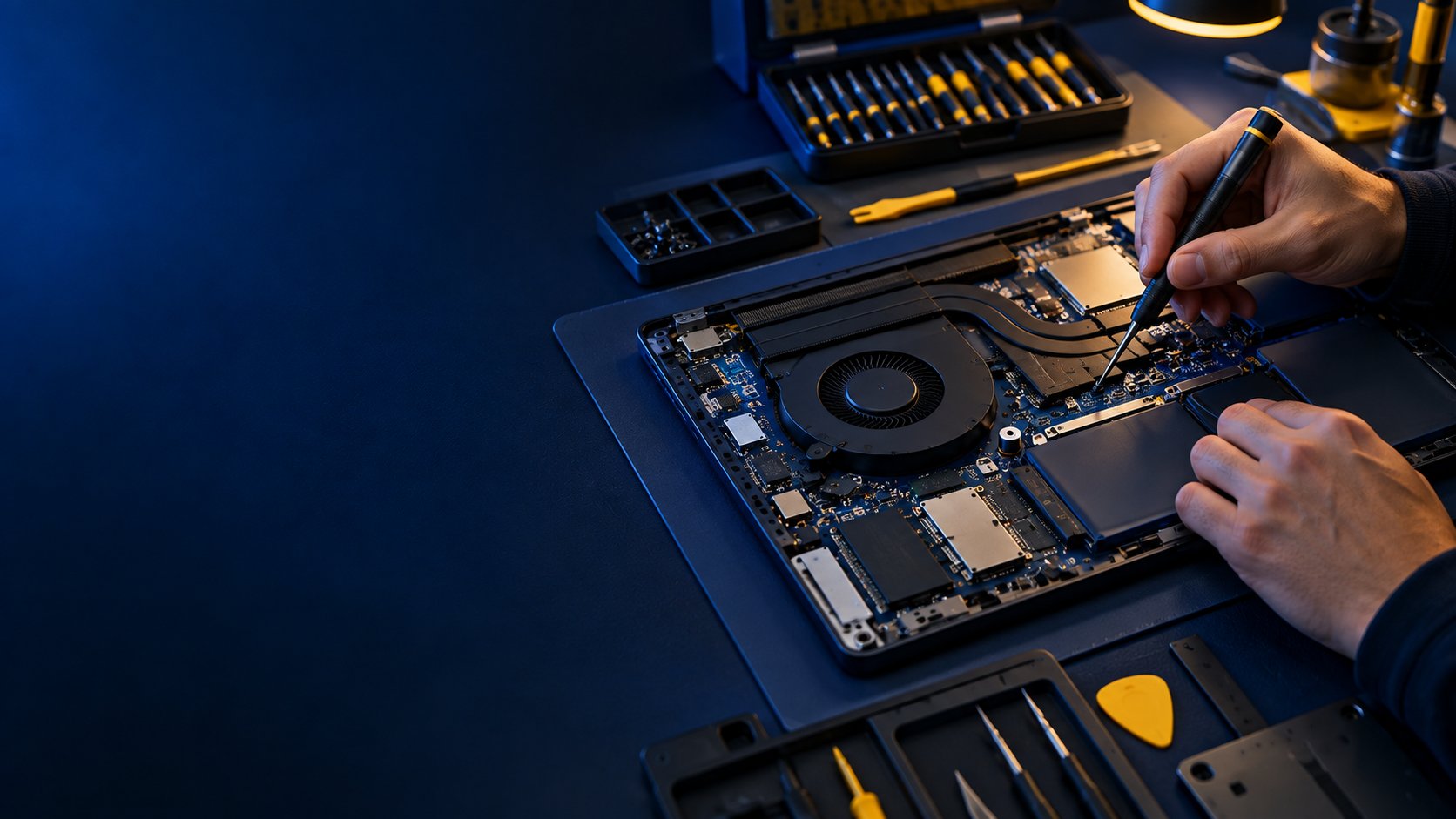
What is periodic maintenance, and why does it matter?
Over time dust clogs the airflow path and thermal paste degrades… raising temperatures and cutting performance. Periodic maintenance restores the cooling system to peak efficiency so your laptop runs stable.
Prevention beats repair bills
Many major failures start with heat and neglect. Maintenance lowers the risk of long-term damage.
Steady performance under load
A heat-choked laptop feels slow. Better cooling means smoother performance, especially under pressure.
Friendly for first-timers
We explain everything simply: what was done, why, and the important notes on your device.
How often? For most laptops every 9 to 12 months (max), since thermal paste loses effectiveness and dust keeps building up.
Signs you need periodic maintenance
If you notice any of these, your cooling needs attention.
- Noticeable heat (especially under load)
- Loud fans / weak airflow
- Slowdowns and lag after a while of use
- Higher-than-usual power consumption
What periodic maintenance at Fix Zone includes
A clear, precise process. We pick the thermal paste that fits your device class and usage.
Premium thermal paste replacement
Genuine paste matched to your machine’s power, efficiently transferring CPU/GPU heat to the heatsink for lower temps and stable performance.
Heatsink cleaning & oxidation removal
Oxidation on the copper heatsink hurts cooling. We carefully remove it so heat dissipation works at full efficiency again.
Cooling fan inspection, cleaning & tuning
Dust inside fans cuts efficiency and raises noise. We deep-clean, lubricate when needed, and verify stable fan performance.
Full motherboard & connector cleaning
We clear fine dust and residue from the board and connectors to reduce connection issues and faults that appear over time.
Key component health check
We check storage (SSD/HDD) and battery health with an approximate remaining-life estimate — so you can decide early if anything needs attention.
Professional exterior detailing
Not just the inside: chassis, screen and keyboard get cleaned so your laptop looks better too.
Important: if your device needs extra work (e.g. a dead fan / weak battery / failing SSD), we tell you before taking any extra step.
Expected duration
We respect your time. Periodic maintenance usually takes between 45 minutes and 2 hours (120 minutes) max, depending on the device’s condition and type.
In most cases you get your device back the same day — especially when you book ahead.
Indicative pricing
Pricing depends on the device class and cooling requirements (and paste type). These guide figures help you understand the range.
Everyday use (U-series)
EGP 450
Suited for office work and study
Book a visit nowHigher performance (H-series)
EGP 550 – 650
Stronger cooling → higher requirements
Book a visit nowGaming laptops
EGP 750 – 850 – 1200
Discrete GPU + heavier cooling load
Book a visit nowSpecial cases (Liquid Metal / select models)
EGP 3000
Needs special handling and precision
Book a visit now
Important: the final price is set after a quick inspection (model + cooling condition). When booking, tell us your model and usage (work/gaming) and we’ll send an initial estimate on WhatsApp.
Frequently asked questions
Short, clear answers for first-time maintenance customers.
Will periodic maintenance really improve performance?
If the issue is heat / dust / weak cooling… yes, you’ll most likely notice better stability and quieter fans. Slowness from storage or software is a different diagnosis — and we’ll tell you that.
Does the laptop have to be opened every time?
It depends on the device’s condition. Some need a full internal clean; others only need lighter service. We decide after a quick inspection.
Why does the thermal paste type change the price?
Because cooling needs differ. A gaming laptop under constant load needs a compound that withstands higher heat and keeps efficiency longer.
Location
Fix Zone — ground floor — El Bostan Mall — Bab El Louk — Cairo.
- Enter through the mall’s main entrance.
- Go down the stairs to the ground floor.
- Head right until you see Vision ahead of you.
- Turn right again… you’ll see El Batoul; opposite it is a corridor starting with 3M.
- Fix Zone is the last shop in the corridor on your right.
Book a visit
Fill in the details quickly — and we’ll prepare a ready WhatsApp message for you (or you can just call).
- Device & service
- Slot
- Your details
- Review & confirm
Step 1 of 4
Send us your device model + symptoms (heat / fan noise / slowness) and we’ll reply with an initial estimate and a suitable appointment.
Other services you may need
Laptop repair
Screens, batteries, boards, keyboards and upgrades — with a transparent diagnosis first.
Laptop repair pageTrack your repair
Have a receipt number? Follow your device status live from the service system.
Track your repair now